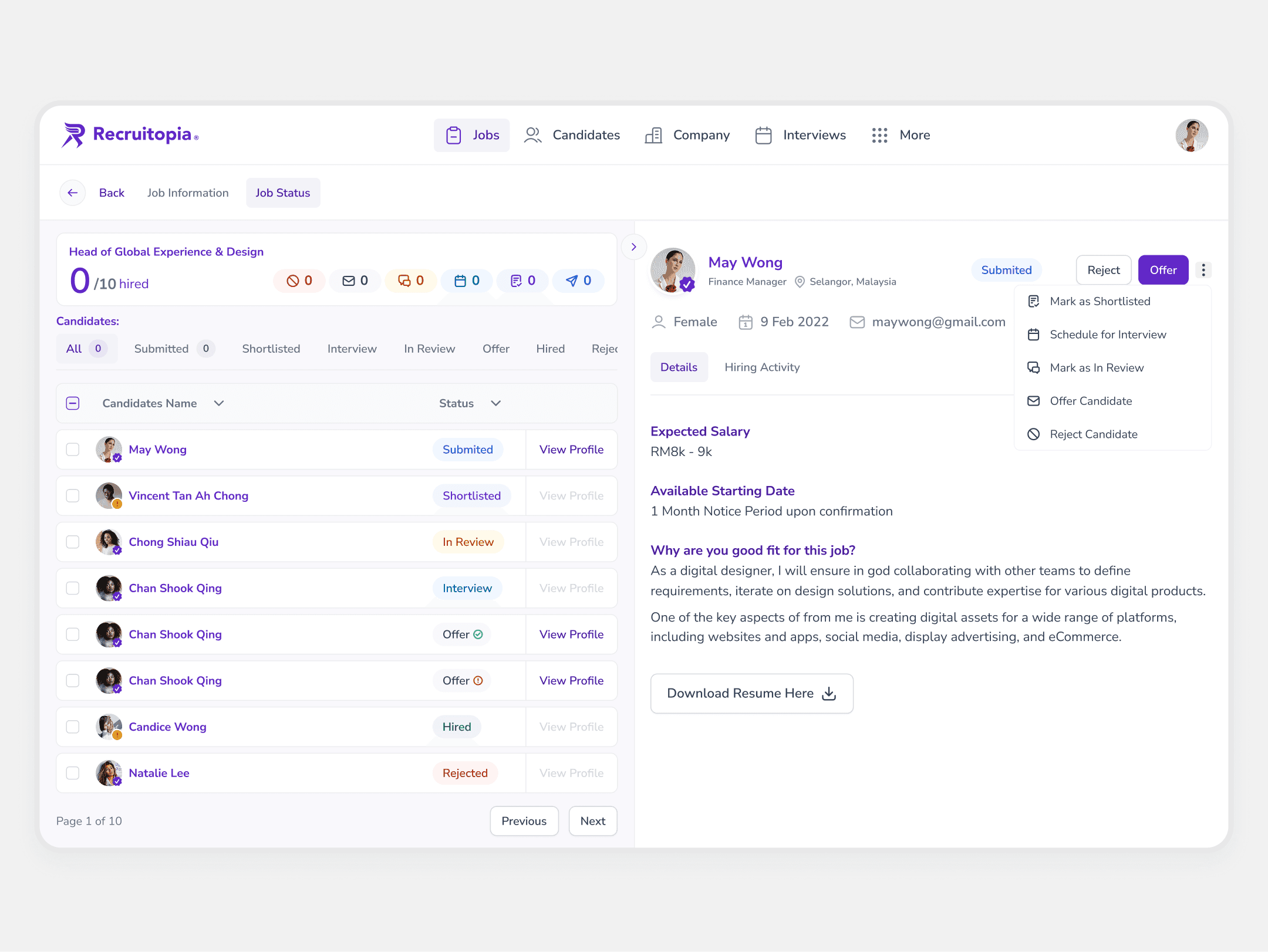
Problem Statement & Pain Points
However, the current use of Photoshop presents several challenges:
Time-consuming
Designers must manually manipulate, localize, and export each asset on individual layers.
Limited collaboration
While Photoshop offers cloud documents, it lacks real-time multi-user editing. Additionally, some stakeholders and third parties still save PSD files locally, further complicating teamwork and file management.
Performance issues
PSD files are often extremely large due to thousands of 4K assets, resulting in laggy and slow performance.
These challenges repeat with every round of amendments, which are a constant part of the workflow. This makes improvements urgent—longer production times mean higher costs and wasted resources.

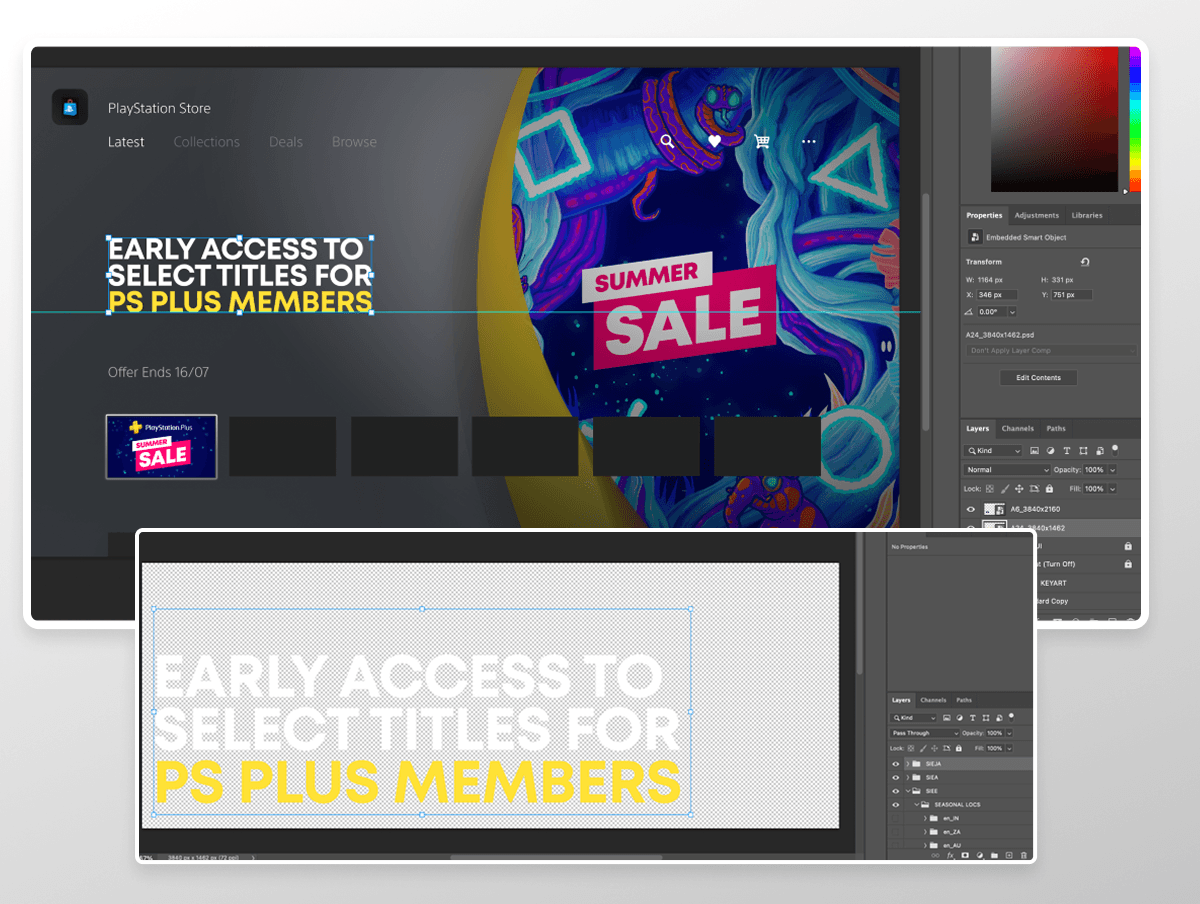
Defining The Problem (How Might We)
How might we streamline and enhance mass asset production for PlayStation to maximize efficiency and accelerate delivery?
Goals
Optimize Mass Production & Localization
Leverage Figma components to automate tasks, reduce manual workload, and accelerate localization and large-scale asset production.
Improve Collaboration & Workflow Efficiency
Enable real-time multi-user editing and cloud autosave to prevent versioning issues and lost progress, while reducing reliance on heavy PSD files and enhancing accessibility for remote teams.
Establish Reusable Templates for Scalability
Build standardized, modular design templates to streamline future campaigns and ensure consistency across platforms, reducing redundant work.
To overcome these challenges and meet the project goals, a new approach was needed—one that could streamline mass asset production, enhance collaboration, and improve efficiency.
Among the alternatives considered, these were particularly noteworthy:
Photoshop + Scripts helped automate some tasks but still required manual exports and lacked real-time collaboration, while Sketch offered reusable components but wasn’t cloud-native, making teamwork challenging.
While each alternatives had strengths, none fully addressed the scale, speed, and collaboration needs of the project. Figma stood out as the most effective solution, offering a more streamlined and scalable approach.
Solutions
Figma addresses key challenges by offering:
Drastically Faster & Scalable Production
Batch Export, Auto Layout, and reusable Components cut manual work significantly—allowing designers to produce assets in a fraction of the time, without scripts or extra setup.
Real-Time, Collaborative Workflow
Multiple users can design, review, and approve assets in a single file. Built-in feedback tools and version history eliminate the chaos of managing multiple PSDs.
Lightweight, Accessible, High-Performance Tool
Figma’s cloud-based structure removes lag, speeds up load times, and allows access from any device—no installations or heavy files needed.
Implementation – Scalable Template System & Workflow
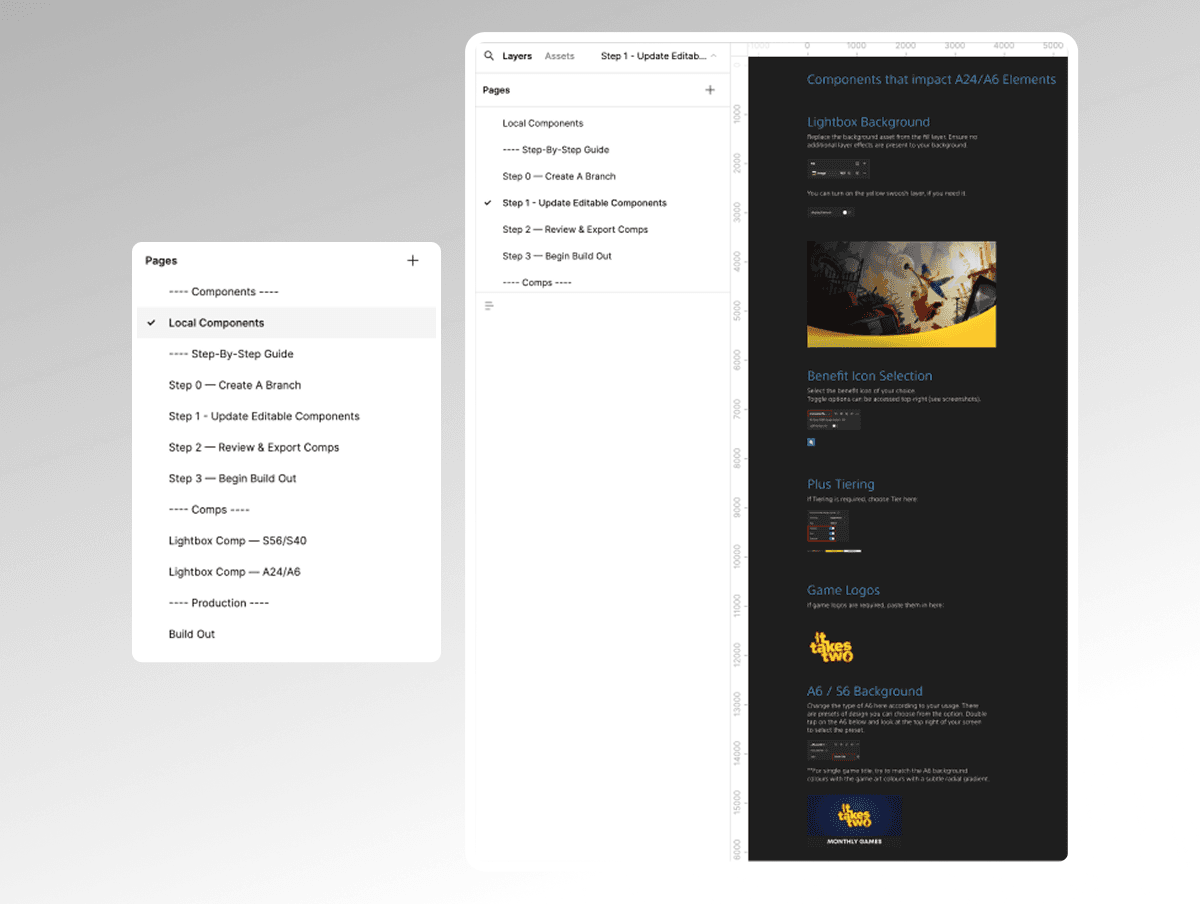
The solution involves a maximum-state master template in Figma, designed to centralize all asset variations within a single file. It covers every possible asset across all platforms (e.g., PlayStation, Microsoft, EGS, Genba, Valve), ensuring a comprehensive and scalable system. Acting as the main branch, this template allows designers to create separate branches for each campaign while keeping the core structure intact. With Figma’s component system, changes made to Level 1 (parent) components automatically cascade to Level 2 (child) components, ensuring efficiency, consistency, and a seamless workflow.

The template is structured across two levels, with users primarily working on Level 1 (parent) components. Using Figma’s component system, any changes made at Level 1 automatically update Level 2 (child) components, ensuring consistency and efficiency. Level 1 also includes grids for safe zones and key art positioning, while Level 2 handles asset localization. This setup streamlines mass production, maintains uniform layouts, and simplifies localization workflows. The template also incorporates asset naming conventions tailored to the required formats for our Content Management System (CMS) and marketing stakeholders.


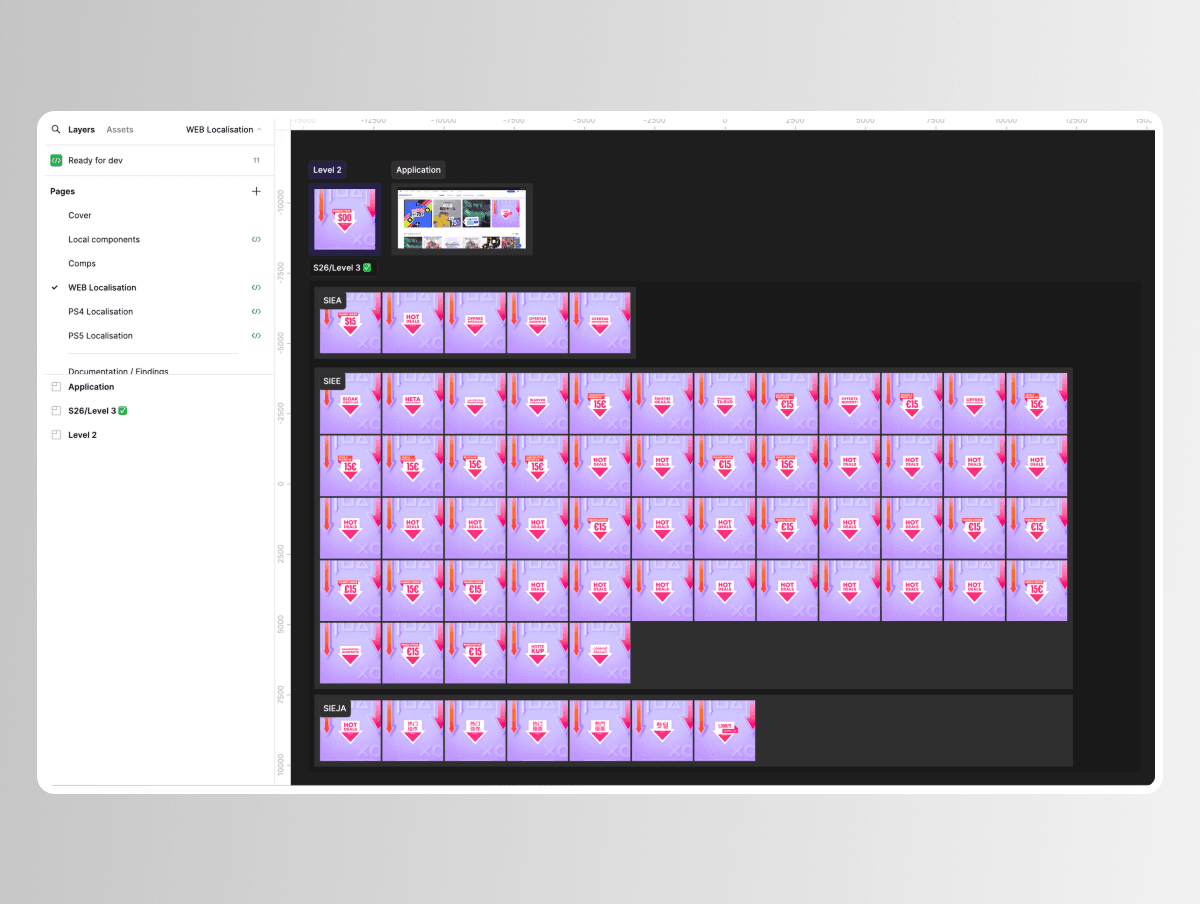
Here is an example of a completed Level 1 with a populated Level 2. A key feature of this template is the automated localization process—translations are applied at Level 2 using the Google Sheets Figma plugin, which auto-fills the correct text into corresponding asset names. This eliminates the need for manual copy-pasting in PSD files, significantly reducing human error and saving time. This setup also streamlines the amendment process—designers can make most changes at Level 1, and updates will automatically apply to all localized assets in Level 2. This eliminates the need for manual adjustments across multiple versions, reducing effort and minimizing errors.
The same Level 1 and Level 2 structure can be applied to other projects that require precise multi-asset layouts, such as the Game Hub UI on PS4 and PS5, ensuring consistency and efficiency across different use cases.
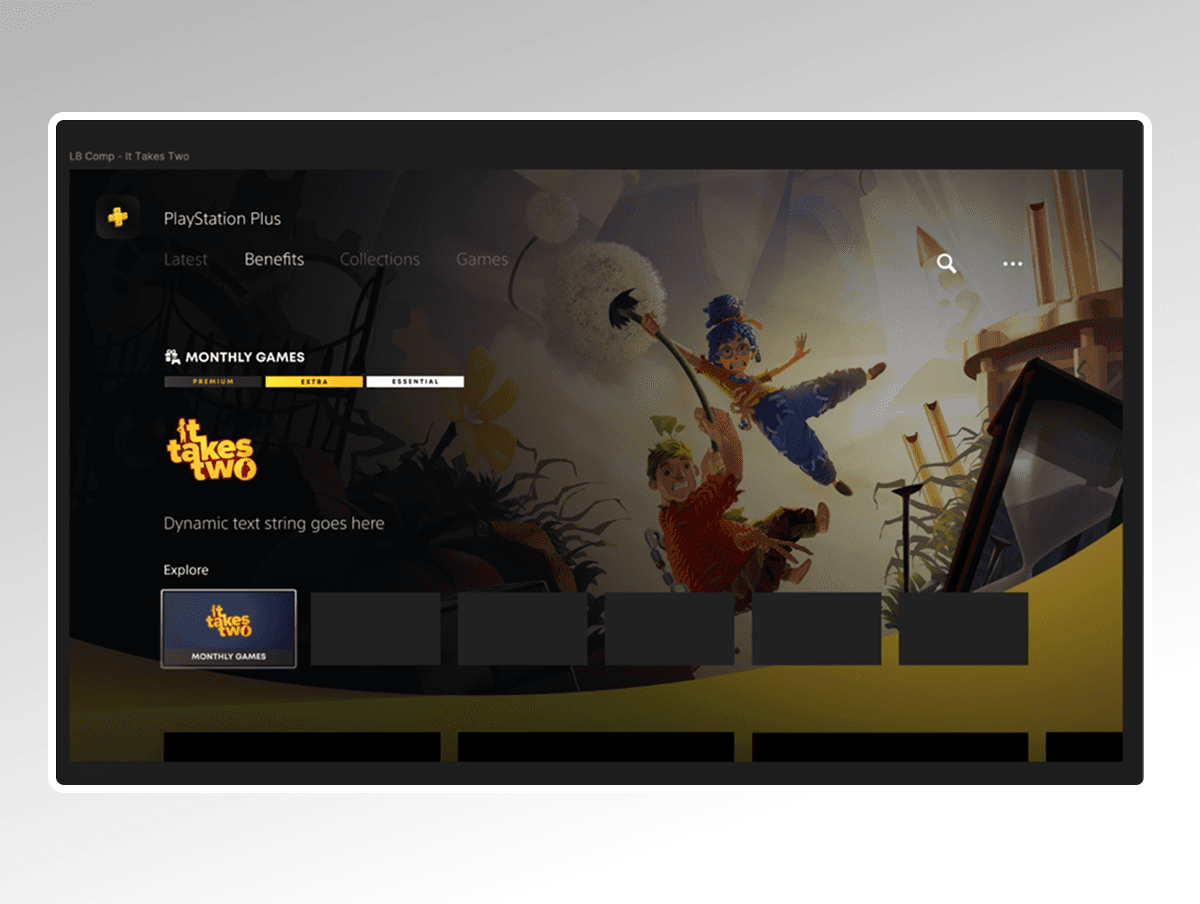
Below is an example of a completed Level 1 and its corresponding populated Level 2 with preset localizations.


The same approach applies to campaigns with more complex visual key art, such as the Arrow Masthead shown below. Each Arrow Masthead used across all localizations is a component, allowing designers to easily adjust it as needed by selecting the appropriate variant in the right panel.


Results
Drastic Reduction in Production Time
Asset creation now takes just 1/8 of the time compared to Photoshop—what once took a full day can now be completed in an hour.
Thank you.